How to Create a Thumbnail? The Complete Guide to Creating Professional YouTube Thumbnails in 2026
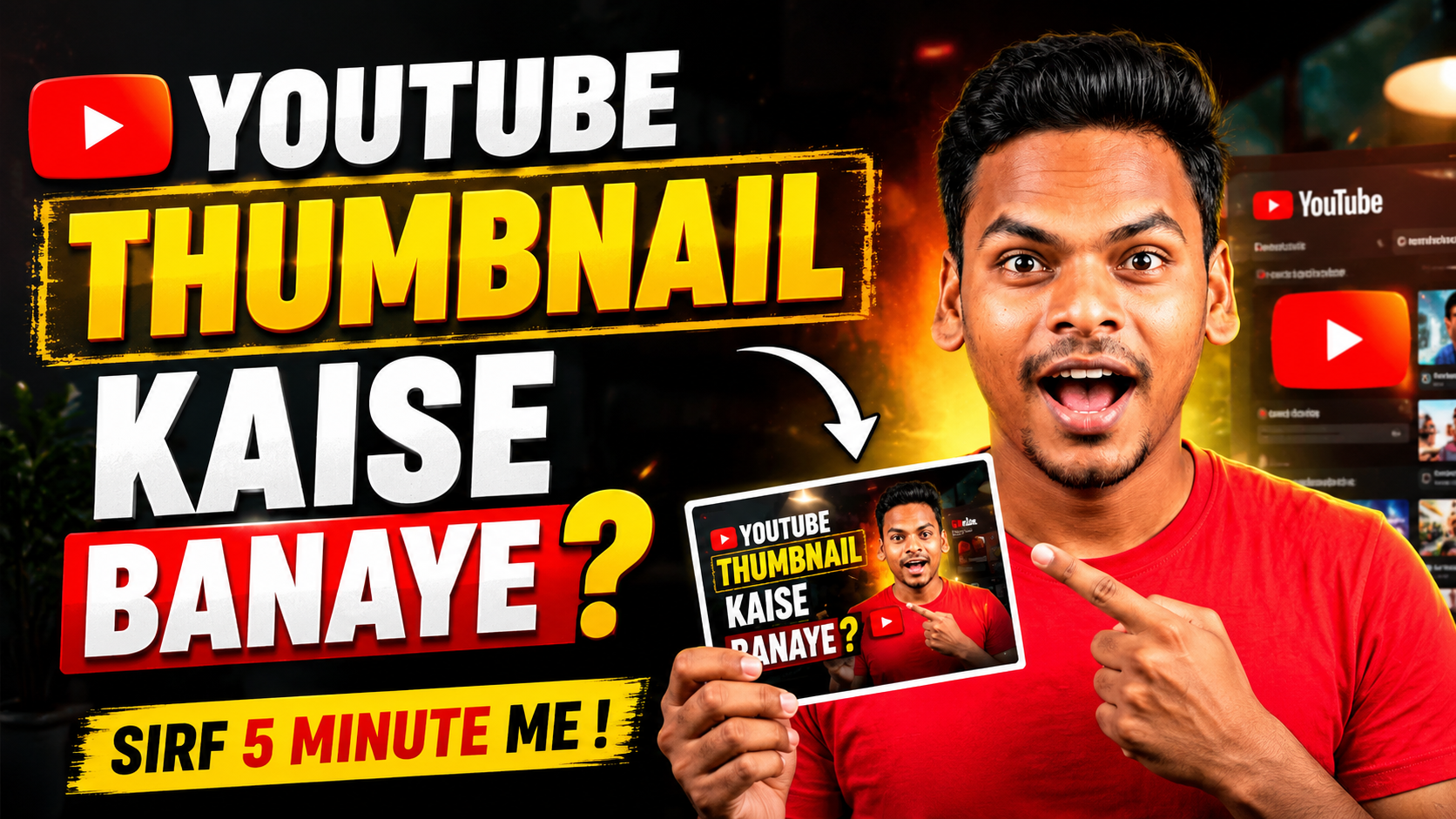
How to Create a Thumbnail? The Complete Guide to Creating Professional YouTube Thumbnails in 2026
How to Create a Thumbnail? थंबनेल एक छोटी प्रीव्यू इमेज होती है, जो किसी वीडियो, ब्लॉग या सोशल मीडिया पोस्ट की पहली छाप बनाती है। YouTube पर किसी भी वीडियो की सफलता में थंबनेल की बहुत बड़ी भूमिका होती है।
क्योंकि दर्शक सबसे पहले थंबनेल देखकर ही तय करते हैं कि वीडियो पर क्लिक करना है या नहीं। यदि आपका थंबनेल आकर्षक और प्रोफेशनल होगा, तो आपका CTR (Click Through Rate) बढ़ेगा और आपके वीडियो पर अधिक व्यूज़ आने की संभावना भी बढ़ जाएगी।
Why is a good thumbnail important?
अगर आप अपने YouTube वीडियो के लिए एक शानदार थंबनेल बनाते हैं, तो यह आपके वीडियो को वायरल होने में मदद कर सकता है और आपको कई फायदे मिल सकते हैं।
- वीडियो पर अधिक क्लिक मिलते हैं।
- CTR (Click Through Rate) बढ़ता है।
- YouTube का एल्गोरिदम वीडियो को अधिक लोगों तक पहुंचाने में मदद करता है।
- ब्रांड की पहचान (Brand Identity) मजबूत होती है।
- सब्सक्राइबर बढ़ने की संभावना बढ़ जाती है।
Things you need to know to create a thumbnail ?
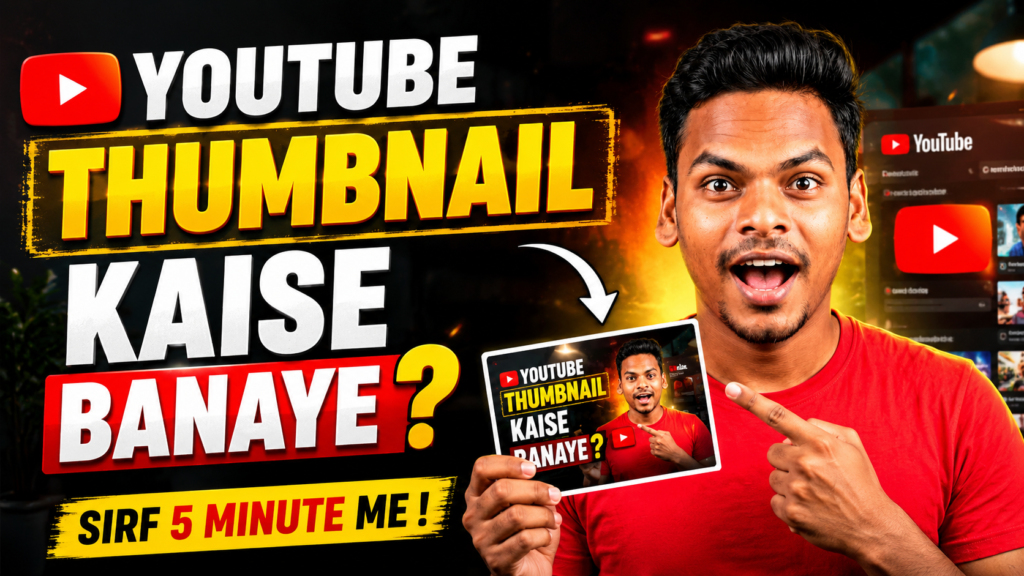
हाई क्वालिटी इमेज का उपयोग करें – थंबनेल के लिए हमेशा HD क्वालिटी की इमेज का उपयोग करें। धुंधली या लो क्वालिटी इमेज दर्शकों का ध्यान आकर्षित नहीं करती।
बड़ा और स्पष्ट टेक्स्ट लिखें – यह आपके थंबनेल का सबसे महत्वपूर्ण हिस्सा होता है। थंबनेल पर लिखा टेक्स्ट छोटा लेकिन प्रभावशाली होना चाहिए।
- रोज 5000 तक कमाए
- आसानी से AI से पैसे बनाये
- एक दिन में वायरल हो सकते हैं
चमकीले रंगों का इस्तेमाल करें – थंबनेल में हमेशा पीला, लाल, नीला और सफेद रंग इस्तेमाल करें। ये रंग थंबनेल को ज्यादा आकर्षक बनाते हैं और लोगों का ध्यान जल्दी खींचते हैं।
चेहरे का एक्सप्रेशन दिखाएँ – अगर हो सके तो अपने थंबनेल में अपना चेहरा जरूर रखें। खुश, हैरान या उत्साहित एक्सप्रेशन वाले थंबनेल पर लोग ज्यादा क्लिक करते हैं।
वीडियो का विषय साफ़ दिखाएँ – आपका थंबनेल ऐसा होना चाहिए कि उसे देखते ही लोगों को समझ आ जाए कि वीडियो किस बारे में है।
Also Read – Google gemini holi prompt | Holi prompt gemini boy 2026 for free
How to Create a Thumbnail? T
The most important thing in this article is that we are talking about how to create thumbnails with AI. These days, AI tools can create professional thumbnails in seconds.
- Popular AI tools
- Canva AI
- ChatGPT
- Adobe Express AI
- Ideogram AI
- Leonardo AI
- Microsoft De
With the help of all the given AI tools, you can create your thumbnail in HD quality.
Top 5 AI Thumbnail Prompts
Viral YouTube Thumbnail
Create a highly clickable YouTube thumbnail for TITLE, featuring an expressive face, bold large text, cinematic lighting, vibrant colors, professional YouTube style, ultra realistic, high contrast, viral thumbnail design, 16:9 aspect ratio.
Business & Earning Thumbnail
Design a professional YouTube thumbnail for TITLE, money elements, growth chart, glowing effects, premium business look, bold typography, eye-catching colors, realistic style, high CTR thumbnail, 16:9.
AI & Technology Thumbnail
Create a futuristic AI-themed YouTube thumbnail for TITLE, glowing AI robot, digital technology background, neon lighting, professional typography, ultra HD, attention grabbing, modern YouTube design, 16:9.

Educational Thumbnail
Design an educational YouTube thumbnail for TITLE, clean layout, professional instructor, bright colors, large readable text, modern design, highly engaging, realistic style, 16:9 aspect ratio.
Trending News Thumbnail
Create a breaking news YouTube thumbnail for TITLE, dramatic background, red and yellow theme, bold headline text, urgent news style, professional broadcast design, ultra realistic, high CTR, 16:9
What is the best size for creating a thumbnail?
YouTube Recommended Thumbnail Size
- Resolution: 1280 × 720 Pixels
- Aspect Ratio: 16:9
- Format: JPG, PNG
- Maximum Size: 2 MB
While creating your thumbnail, you should keep all these things in mind so that a perfect thumbnail will be created for your YouTube video.