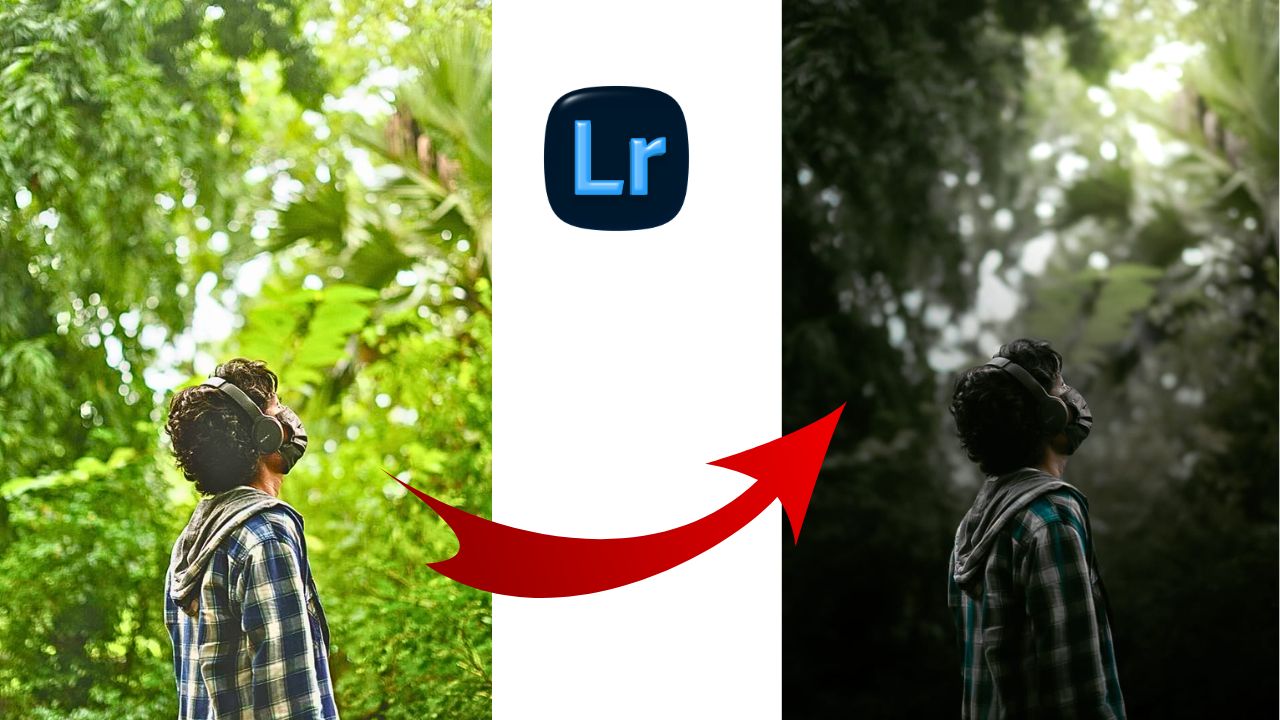
Dark Moody Lightroom Presets Free Download – If you want to give your photos a dramatic, cinematic, and emotional feel, Moody Tone editing is the way to go.
This style is incredibly popular on Instagram and photography portfolios because it adds depth and storytelling to any shot .In this guide, we will break down how to achieve the perfect moody look using Adobe Lightroom in just a few easy steps.
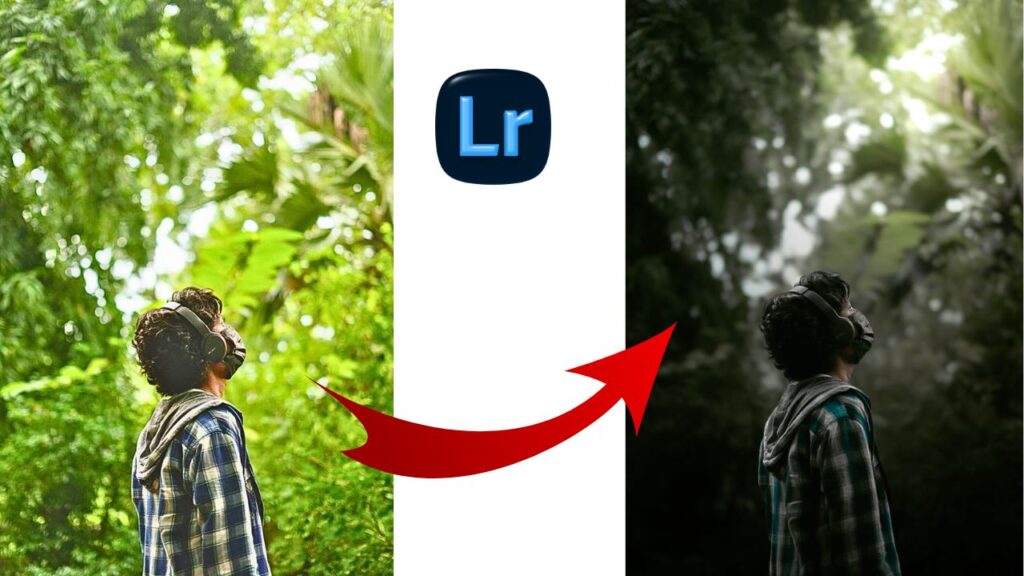
What is Dark Moody Lightroom Presets ?.
Dark Moody Lightroom Presets is a preset that adds a cinematic, dramatic, and emotional feel to your images. It is made with less light and the color is on the dark side, which gives it a different vibe.
Dark Moody Lightroom Presets Free Download
If you want to include moody tones in your image, then instead of making the image brighter, you will have to go towards dark green. To create this, first of all you have to pay attention to the lighting settings.
- Exposure – Decrease it slightly to darken the overall frame.
- Contrast – Increase this to make the darks and lights pop.
- Highlights – Pull these down to recover detail in bright areas.
- Shadows – Decrease these to create that “deep” look.
- Blacks – Slide this to the left to intensify the dark tones.
Master the Tone Curve (The Secret Sauce)
Curve settings play a very important role in giving cinematic tone to the image, from where you can add the best cinematic tone to the image.
Best Photo for this Preset ?
- Garden and Flower Photography Natural
- Micro Shot photography
- Natural and outdoor photo
- Plant and leaf photo
- instagram viral natural content
Also Read – Lightroom Golden Warm Tone Editing | Free Lightroom Presets Golden Warm
Best Photo Moody Tone Lightroom Presets
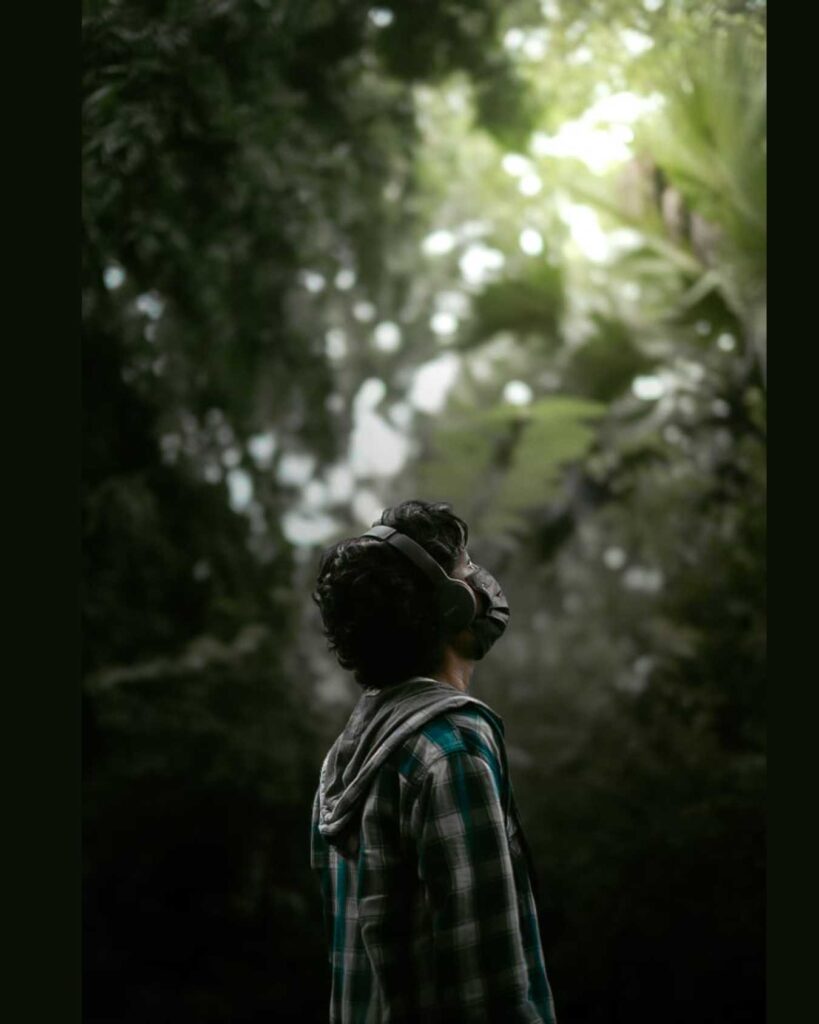
How to use Moody Tone Lightroom Presets ?
Moody tone lightroom presets use setting here follow all step –
- Import your image in lightroom
- Now apply Moody tone lightroom presets
- adjust masking only background according otherwise no any changes
- adjust only britness according to pictures
- Export your image in Gallery
Note – This preset work best on photo shot in natural daylight or green background.
