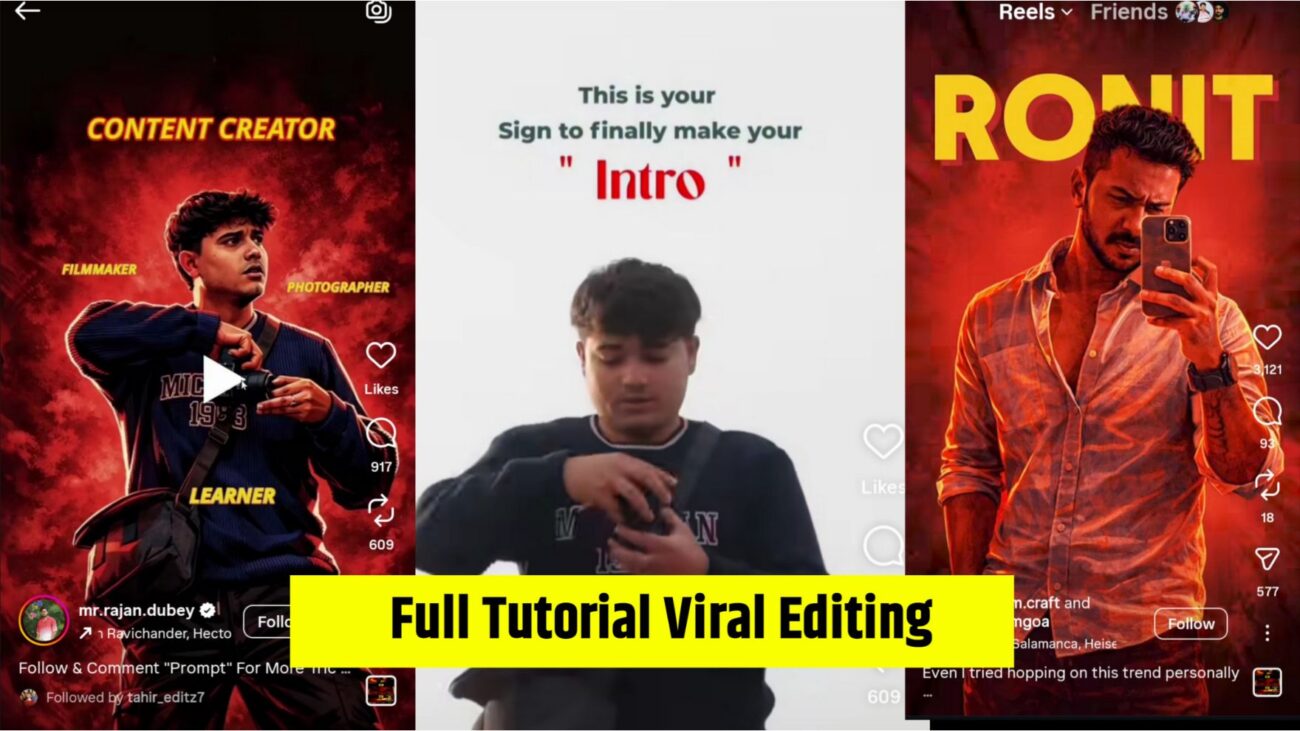
Charector Intro Google Gemini Prompt – Hello Guys, in today’s blog post I am going to tell you ” How to Create Charector Intro Ai Photo ” and ” How to Create Viral Charector Intro Ai Reels ” through Google Gemini
So, read it from the beginning till the end, in which you will get all the information about how to make character intro posts and Reels, which you can share on your social media.
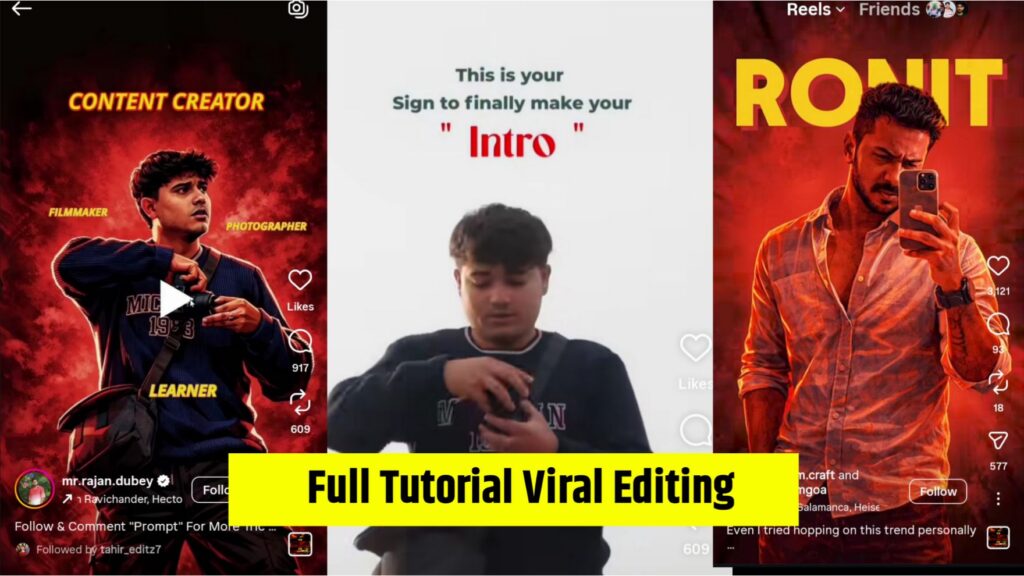
Charector Intro Google Gemini Prompt
If you are active on Instagram, you must have seen character intro posts and Reels which give an amazing vibe and are going viral and can increase likes and followers.
In this post, I will give you all the steps and prompts to create a video so that you can easily create it. It is very easy to do.
Also Read – Happy Valentine’s Day Google Gemini Prompt | Google Gemini Happy Valentine’s Day AI Photo Prompt
Instagram Trending Charector Intro Google Gemini Ai Photo Editing
Prompt 1
Create red-themed gangster movie poster style illustration using the reference image. Keep the original face, hairstyle, skin tone, expression, and pose. Deep red smoky background with high contrast, bold comic-style shading, thick outlines, strong black shadows, and glossy highlights. A small Sazzad signature in left corner. Dramatic lighting with sharp jawline and cheekbone highlights. Ultra-detailed 4K. A large ‘Bangla Bir’ text his behind with yellow electric font, same as movie poster.
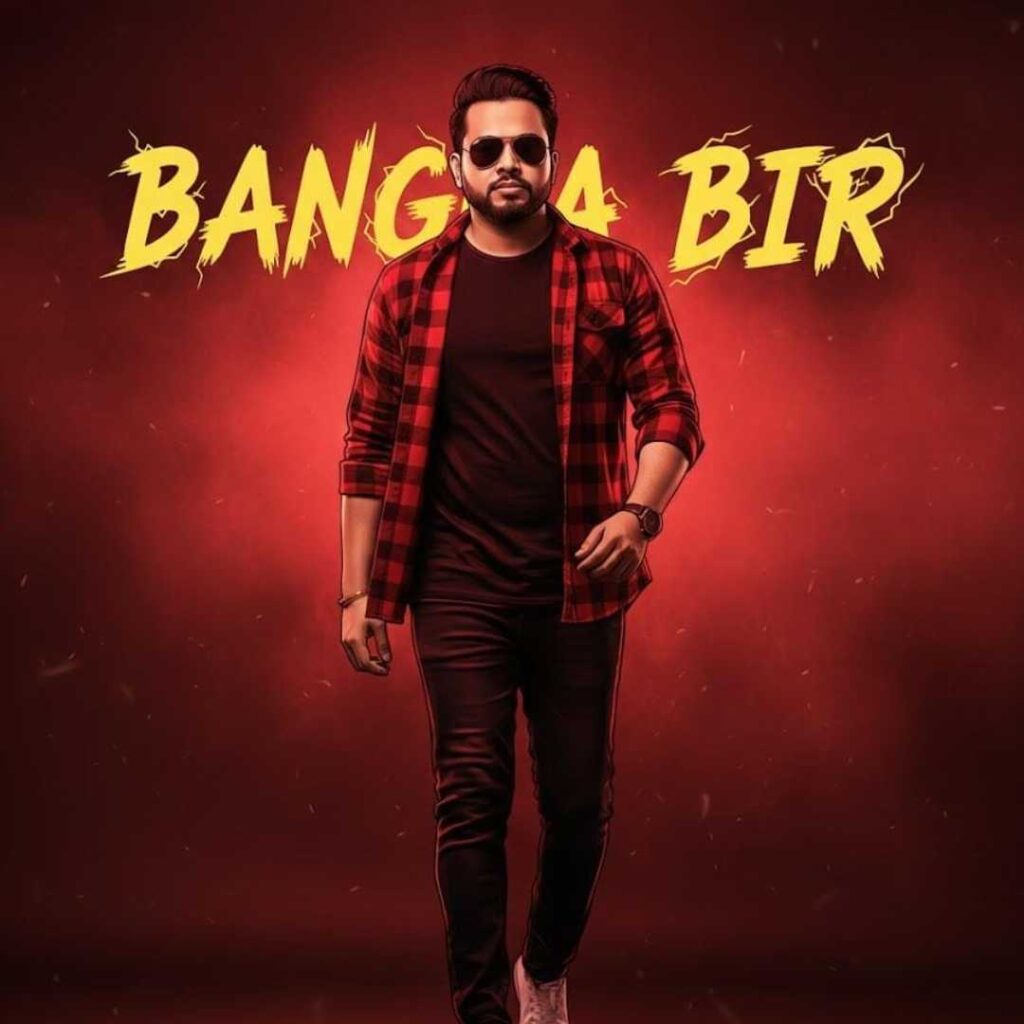
Prompt 2
Create red-themed gangster movie poster style illustration using the reference image Keep the original face, hairstyle, skin tone, expression, and pose. Deep red smoky background with high contrast, bold comic-style shading, thick outline, strong black shadows, and glossy highlights. A small Santo signature in left corner. Dramatic lighting with sharp jawline and cheekbone highlights. Ultra-detailed 4K. A large ‘FARMAN ULLHA ‘text his behind with yellow electric font, same as movie post
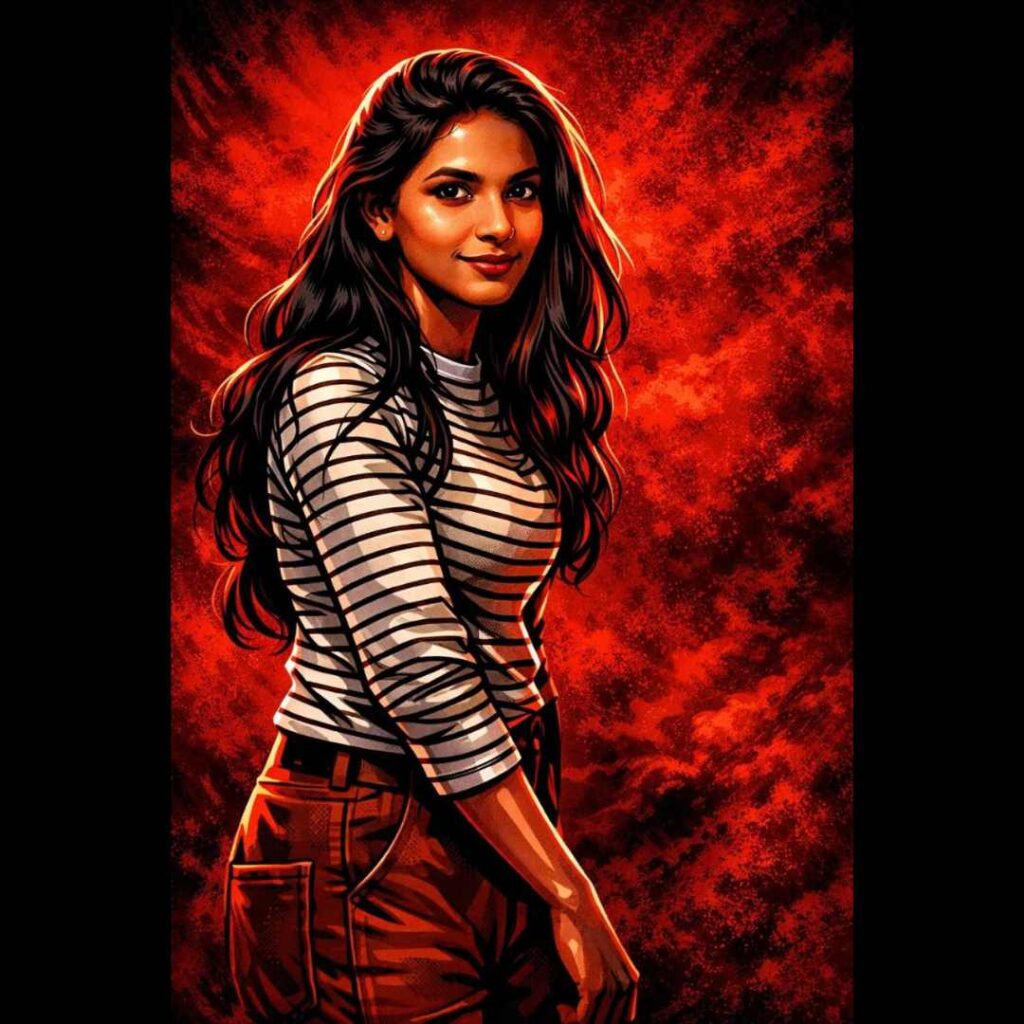
How to create Charector Intro Instagram Viral Reels
- First import the video and audio into your video editor app.
- Now make a cut at the time where you want to use this effect.
- Now freeze the next part and take a screenshot
- upload the screenshot to Chatgpt
- copy and paste the above prompt.
- Save the image and open Capcut again
- Then place the character intro image on the fridge area.
- Now apply Shake effect in the effect and the video will be made.
How to create Charector Intro image
To create character intro image, you will get the best result from Google Gemini in Chatgpt. Although it takes a little more time to create image in Chatgpt, but you will get perfect result.
- Open ChatGPT Login with e-mail
- Then tap plus icon upload self image
- Now copy charector intro editing prompt
- Go in Chatgpt past prompt
- Now click on submit button
- Wait for results and after results save image
Note – To learn such viral editing and for the latest viral prompts like Google Gemini Prompt, Chatgpt Prompt, do join the WhatsApp channel.
