Blue Tone Lightroom Primium Presets | Trending Lightroom Presets for Blue Tone Editing
Blue Tone Lightroom Primium Presets | Trending Lightroom Presets for Blue Tone Editing
Blue Tone Lightroom Primium Presets – Do you want to give your simple photos a professional and cinematic look? In today’s blog, we’ll discuss how you can use Lightroom Mobile to add a stunning “cinema” look to your photos.
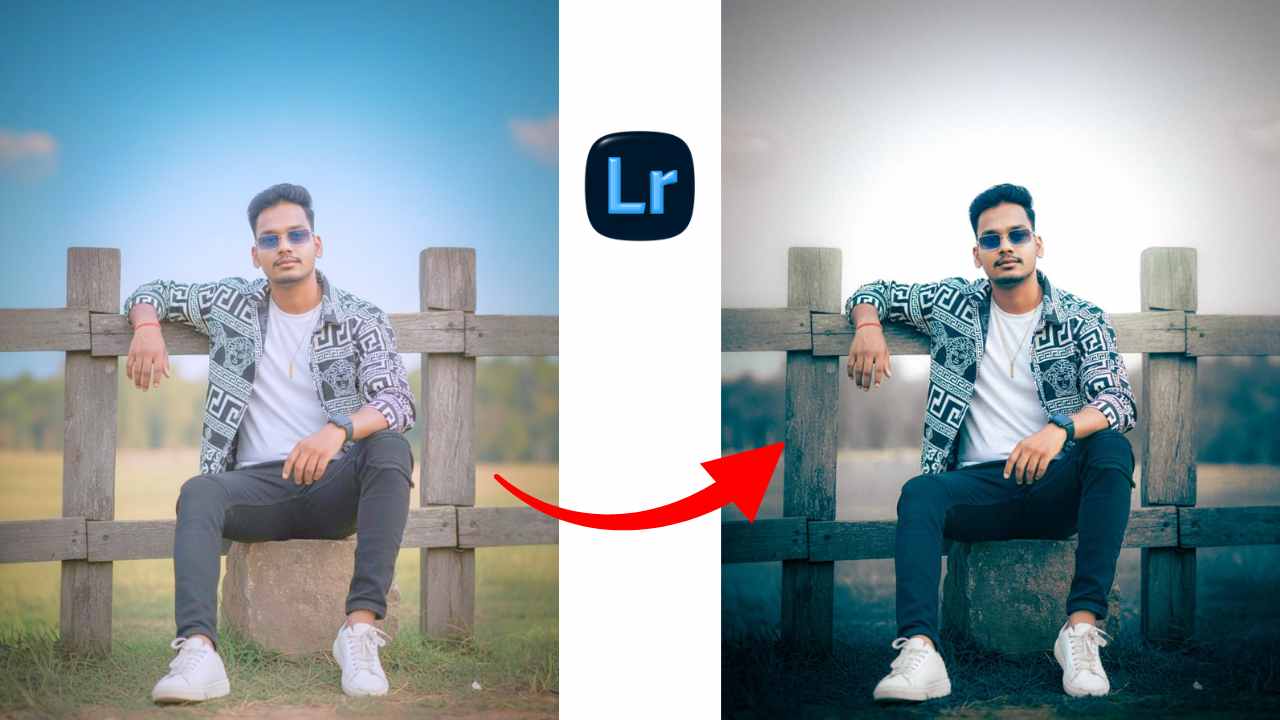
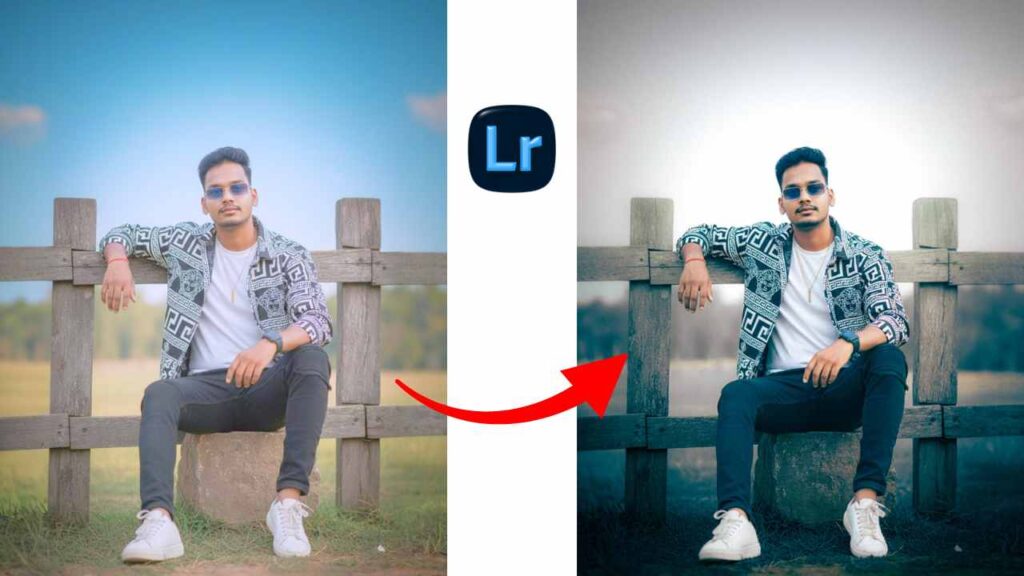
In this photo, we paid special attention to light balance and color grading. You can edit your photo by following the steps below . After this, you will get a blue and white tone preset for editing like this image below.
Blue Tone Lightroom Primium Presets
Editing photos in blue and white tones will give the photo a cinematic vibe; these types of images are very popular on social media. In such a situation, if you also do such cinematic color grading using Blue Tone Lightroom Premium Presets and upload it, then your post can also be liked.
Best Image in This Lightroom Blue & Whaite Preset Tone

Best Photos for Blue & White Tone Preset
- Portrait Photography
- Outdoors And Low Lights Photos
- Instagram and Editorial Content
- Natural Golden Warm
- Fashion and Lifestyle Style for Cinematic
Blue & Whaite Tone Preset Basic Panel
Exposure : Keep it steady as it adjusts to the lighting.
Contract : This preset is slightly reduced by 1 point.
Highlights : has been extended to approximately 23
Shadows : No Any Changes
Whaite : Increase 10 point only
Also Read – Happy Republic Day Google Gemini Ai Prompt | Google Gemini 26 January Photo Editing Prompt
Tone Curve
The tone curve in any image has the ability to change the entire mood of your image if you use it correctly. But in this image I’ve only slightly increased the white curve.
Color Panel
Now it is very important to adjust the color here to give white and blue tones because only then will you get a cinematic tone in your image.
Step 1 : For this, try to reduce the saturation of Green and Yellow.
Step 2 : After this, increase the saturation of blue and sky blue colors as well, so that the perfect blue tone will be created.
Step 3 : Leave all other colors as per the preset.
Common Mistake to Avoid
- Overxposing Whaite
- Too much glow on face
- Losing sharpener and details
- Not use in color full image
Conclusion
This Social Media Trending Blue and white Lightroom Preset will give your image the best cinematic vibe. It is being liked a lot, so I hope you will like this preset.
Note : For more such trading Lightroom Presets, please join Google Gemini Prompt’s WhatsApp channel.